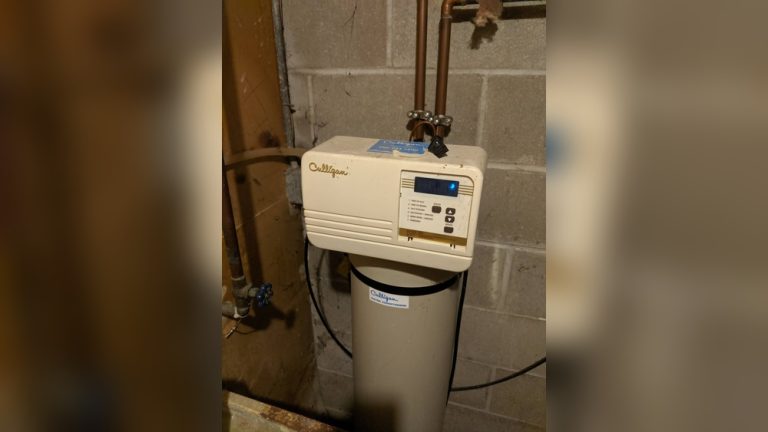

Is your Culligan water softener display not working? It can be frustrating when you rely on your water softener to keep your water clean and soft, and suddenly the screen goes blank or stops responding.
You might feel stuck, unsure of what to do next or how to fix the problem quickly. Don’t worry—this issue is more common than you think, and there are simple steps you can take to get your display back up and running.
Keep reading to discover easy solutions that will save you time and stress.

Credit: www.culligan.com
Common Display Issues
The display on your Culligan water softener helps you control settings easily. Sometimes, the display stops working properly. This can make it hard to manage your water softener. Knowing common display issues helps you fix problems quickly.
Here are some frequent problems users face with their Culligan water softener display.
No Power On Display
The display may stay blank without any power. This often happens due to a power outage or loose connections. Check if the unit is plugged in properly. Also, inspect the circuit breaker for any trips. A faulty power adapter can cause this issue too.
Blinking Or Flickering Screen
A blinking or flickering screen can distract and confuse you. This usually means there is a weak power supply or loose wiring inside. Dirt or moisture on the control board can also cause flickering. Cleaning the board carefully might help.
Unresponsive Buttons
Buttons that do not respond make it hard to control settings. This can happen if the buttons are worn out or stuck. Sometimes, dirt or dust blocks the button sensors. Gently cleaning the buttons can restore their function.
Error Codes On Display
Error codes on the screen warn you about specific problems. Each code points to a different issue like salt level, water flow, or sensor errors. Check your Culligan manual to understand these codes. Addressing the cause can clear the error quickly.
Troubleshooting Steps
When your Culligan water softener display stops working, simple troubleshooting can help. Follow these steps to find the issue and fix it fast. Each step is easy to do at home. No special tools needed.
Check Power Supply
First, make sure the unit is plugged in properly. Check the outlet with another device. If the outlet has no power, reset the circuit breaker. Sometimes loose plugs cause display problems.
Reset The System
Try resetting the water softener. Locate the reset button or unplug the unit for 30 seconds. This can clear minor errors. After resetting, see if the display lights up again.
Inspect Wiring Connections
Look at the wires behind the display panel. Loose or damaged wires stop the display from working. Carefully reconnect any loose wires. Avoid touching any water or wet parts while checking.
Replace Display Batteries
Some models use batteries to power the display. Open the battery compartment and check the batteries. Old or dead batteries cause display failure. Replace them with new ones and test the screen.
When To Call A Technician
Sometimes, fixing a Culligan water softener display is not simple. Knowing when to call a technician saves time and avoids damage. A professional can diagnose problems that are hard to spot. They have the tools and knowledge to fix issues safely.
Persistent Display Problems
If the display keeps malfunctioning after basic checks, call a technician. Problems like flickering screens or no light at all often need expert help. A technician can test the wiring and connections thoroughly. They find hidden faults that cause continuous display failures.
Complex Error Codes
The water softener may show error codes on the display. Some codes are hard to understand or clear. A technician knows what each code means and how to fix it. They use special tools to reset or repair the system properly. Ignoring error codes can lead to bigger problems.
Internal Component Faults
Issues inside the unit affect the display and the softener’s work. Problems with circuit boards or sensors need skilled repair. Technicians can open the device safely and check internal parts. Replacing broken components requires experience and the right tools. DIY fixes risk more damage or void warranties.
Preventive Maintenance Tips
Keeping your Culligan water softener display working well needs regular care. Preventive maintenance helps avoid many common problems. Simple steps keep the system running smoothly. These tips save time and money on repairs.
Regular Cleaning
Clean the display screen gently to remove dust and dirt. Use a soft, dry cloth for wiping. Avoid harsh chemicals that may damage the screen. Keeping the display clean prevents errors and improves visibility.
Routine System Checks
Check the water softener system weekly for any signs of trouble. Look for leaks, unusual noises, or error messages on the display. Test the water softness to ensure the unit works correctly. Early checks catch problems before they grow bigger.
Protecting From Power Surges
Power surges can damage the display and internal parts. Use a surge protector to guard the system from electrical spikes. Unplug the unit during storms to avoid sudden power issues. Protecting the system extends its lifespan and keeps the display functional.
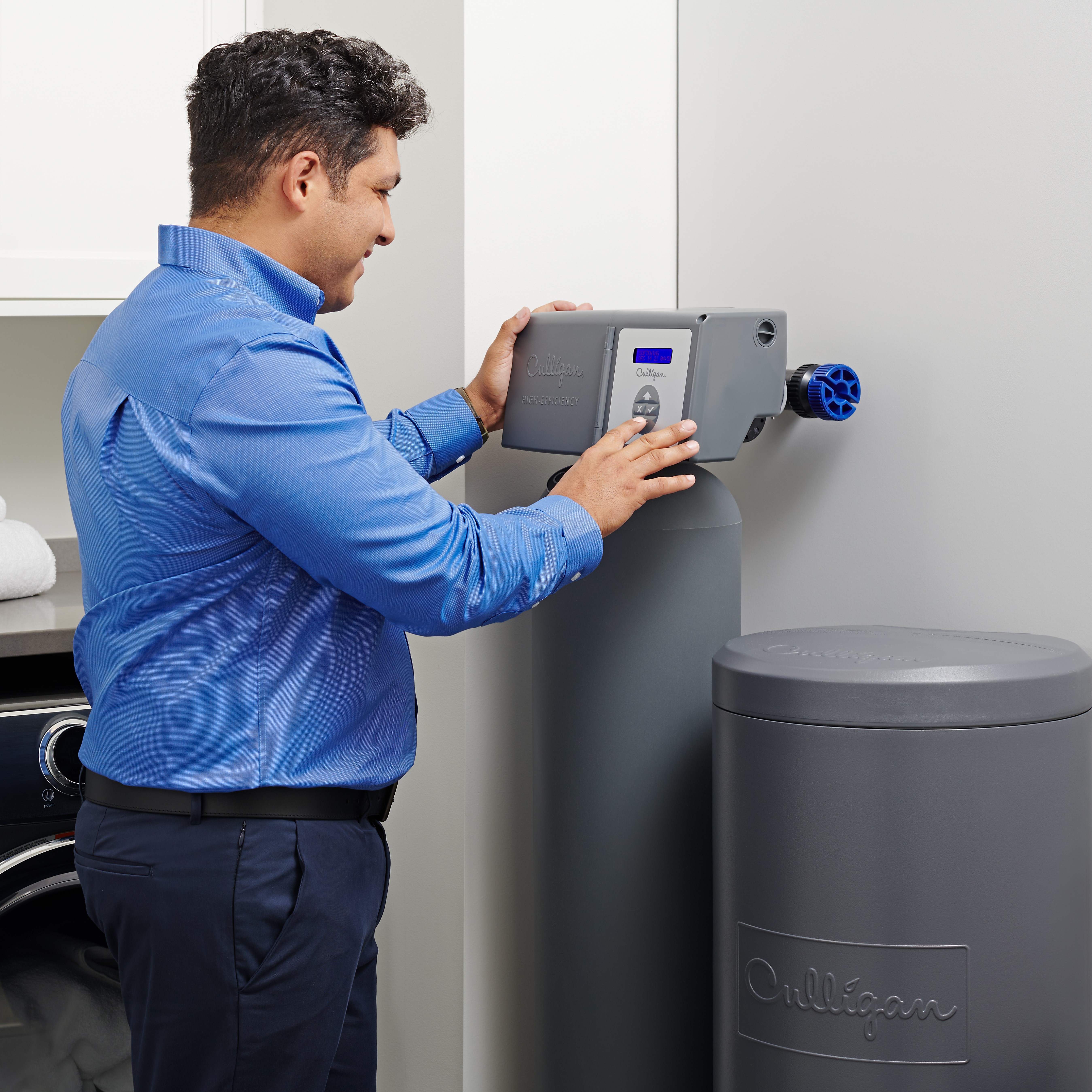
Credit: www.culligan.com
Frequently Asked Questions
Why Is My Culligan Water Softener Display Not Working?
A blank or unresponsive display often indicates power issues or faulty wiring. Check the power source and reset the unit. If the problem persists, the control board might need professional repair or replacement.
How Do I Reset The Culligan Water Softener Display?
To reset, unplug the unit for 5 minutes and plug it back in. This often restores the display function. If resetting doesn’t work, consult the user manual for specific model instructions or contact Culligan support.
Can A Water Softener Display Fail Due To Power Outage?
Yes, power outages can cause the display to lose settings or stop working. After power returns, a reset is often needed to restore normal operation. Ensure your system has a backup battery if outages are frequent.
What Causes A Culligan Water Softener Display To Freeze?
A frozen display may result from software glitches or internal malfunctions. Try rebooting the system by unplugging it briefly. If freezing continues, firmware updates or professional service might be necessary.
Conclusion
A Culligan water softener display not working can cause frustration. Simple checks often solve the problem quickly. Power supply and connections are common issues. Resetting the system might restore the display. Regular maintenance helps prevent future problems. When problems persist, contacting a professional is best.
Keeping your water softener in good shape saves time and money. Don’t ignore small signs of trouble. A working display ensures you control your water quality easily. Taking quick action keeps your softener running smoothly.