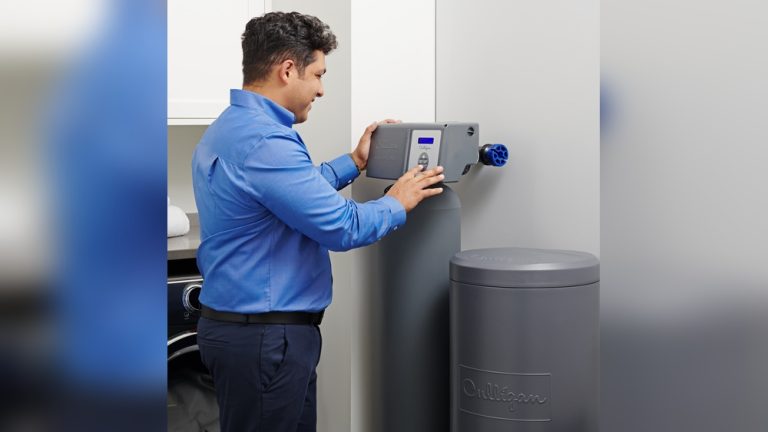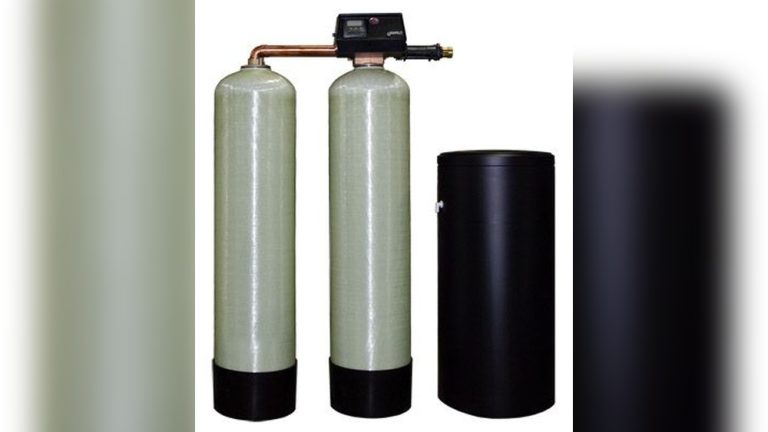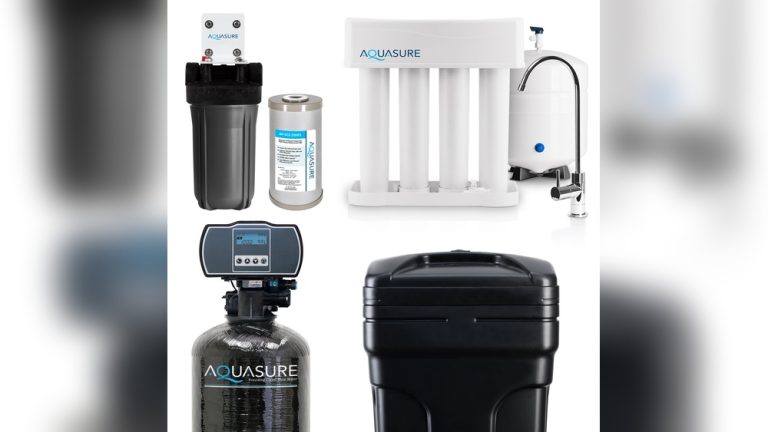

Is your GE water softener mode button not working? That little button might seem small, but it controls how your system operates every day.
When it stops responding, you’re left wondering how to fix it—and fast. You rely on your water softener to protect your pipes, improve water taste, and make your life easier. So, what should you do when this key feature fails?
Keep reading, because we’ll help you understand why this happens and guide you step-by-step to get your water softener back on track. Don’t let a simple glitch disrupt your home comfort—your solution starts here.
Common Causes Of Button Malfunction
The GE water softener mode button may stop working for several reasons. Understanding common causes helps fix the issue faster. Problems can come from power, hardware, or software faults. Identifying the root cause guides proper repair or replacement. Below are typical reasons the mode button might malfunction.
Power Supply Issues
Power supply problems often cause button failures. A loose plug or damaged cord can stop the unit from receiving power. Check the outlet and cable for damage or disconnection. Sometimes, a tripped circuit breaker cuts power to the device. Ensure the water softener is properly plugged in and powered.
Button Wear And Tear
Buttons wear out over time due to frequent use. Dirt, moisture, and dust can also affect the button’s sensitivity. The plastic or rubber parts may crack or become less responsive. This wear causes the button to stick or fail to register presses. Cleaning or replacing the button can restore function.
Internal Circuit Problems
Internal circuits control the button’s signals. Faulty wiring or damaged circuit boards stop the button from working. Corrosion or moisture inside the unit can damage electronic parts. Inspecting and repairing the circuit requires technical skill. A professional may be needed to fix internal faults safely.
Software Glitches
The water softener’s software manages button inputs and settings. Bugs or errors in the software can cause the mode button to freeze or ignore presses. Resetting or updating the device’s firmware often solves these glitches. Software issues may need a technician’s help to diagnose and correct.

Credit: www.reddit.com
Troubleshooting Steps
Troubleshooting your GE water softener’s mode button can solve many common issues. Follow clear steps to check the problem carefully. This helps avoid costly repairs or replacements. Each step targets a specific part of the system. Take your time and be patient while testing.
Checking The Power Source
First, verify the water softener has power. Look at the plug and outlet for any damage. Try plugging another device into the same outlet. See if it works. If not, reset the circuit breaker or replace the fuse. A steady power supply is essential for button function.
Inspecting The Button Mechanism
Next, examine the mode button itself. Dirt or debris can block the button from pressing. Clean around the button using a soft cloth. Press the button several times to check for stiffness. Look for any physical damage or wear. A faulty button might need replacement.
Resetting The System
Try resetting the entire water softener system. Locate the reset option in the user manual. Usually, this involves pressing and holding certain buttons. Resetting can clear minor software glitches. After reset, test the mode button again for response.
Updating Firmware If Applicable
Some GE water softeners have firmware that controls functions. Check if your model supports updates. Visit the official GE website to find update instructions. Updating firmware can fix bugs affecting the button. Follow all update steps carefully to avoid damage.
When To Call A Professional
Knowing when to call a professional for your GE water softener mode button issue can save time and prevent further damage. Some problems need expert hands and tools. Trying to fix complex issues alone may lead to bigger repairs or safety risks. This section helps you spot signs that require professional help.
Signs Of Electrical Damage
Electrical damage can cause the mode button to stop working. Look for burnt smells or scorch marks near the button area. Flickering lights on the control panel may also signal electrical faults. If the water softener does not power on at all, it could be an internal electrical problem. Avoid using the device until a technician checks it.
Complex Internal Faults
Some internal faults are not easy to fix without special knowledge. Problems like circuit board failure or sensor issues need professional diagnosis. If the softener shows error codes or the button responds inconsistently, this might indicate internal damage. Opening the device yourself can void warranties or cause harm. Let a professional handle these complex repairs.
Warranty And Service Options
Check if your GE water softener is still under warranty. Repairs covered by warranty are best done by authorized service centers. Using official service helps keep your warranty valid and ensures proper parts are used. Many manufacturers offer customer support or service plans. Contacting them can provide safe, reliable repair options.
Preventive Maintenance Tips
Taking care of your GE water softener helps avoid problems with the mode button. Preventive maintenance keeps your system working smoothly. Small efforts can save you time and money later.
Regular Cleaning
Clean the control panel often to stop dirt buildup. Use a soft cloth and mild soap. Avoid harsh chemicals that can damage the button. Keep the area dry after cleaning. This prevents sticky residue and button sticking.
Avoiding Moisture Exposure
Water and electronics do not mix well. Keep the water softener in a dry place. Avoid splashing water on the control panel. Moisture can cause the button to fail. Use a cover if the unit stays in a damp area.
Proper Usage Practices
Press the mode button gently. Do not force it or press repeatedly. Follow the user manual for correct settings. Avoid pressing the button with wet or dirty hands. Proper use extends the button’s life and ensures correct operation.
Alternative Controls And Workarounds
Sometimes, the mode button on your GE water softener stops working. This can cause frustration. Fortunately, there are other ways to control your device. These alternatives help keep your water softener running smoothly. They also allow you to manage settings without the mode button.
Using Manual Overrides
Manual overrides let you control the softener directly. Many models have small switches or dials inside the unit. You can use these to change settings or start a regeneration cycle. Check your user manual to find the exact location. This method works well if the main button is faulty. It gives you basic control until you fix the button.
Remote Or App Controls
Some GE water softeners come with remote control options. Others connect to smartphone apps. These tools let you change settings from a distance. You can start or stop cycles and check system status. Remote controls and apps offer easy access. They bypass the need for the physical mode button. Make sure your model supports this feature and set it up properly.
Temporary Bypass Solutions
If you cannot use the mode button, try a temporary bypass. This may involve unplugging the unit briefly. Or, resetting the system with a power cycle. These steps can restart the softener and clear minor glitches. Another option is to manually trigger regeneration using a bypass valve. These fixes work short-term. They keep your system working until you get a permanent repair.

Credit: www.reddit.com

Credit: www.reddit.com
Frequently Asked Questions
Why Is My Ge Water Softener Mode Button Unresponsive?
The mode button may be unresponsive due to dirt, wear, or electrical issues. Clean the button and check connections. Resetting the system can also help restore function if a software glitch occurs.
How Can I Fix A Stuck Ge Water Softener Mode Button?
Try gently pressing and releasing the button multiple times to free it. If stuck, unplug the unit, wait a few minutes, then plug it back in. If the button remains stuck, professional repair might be necessary.
What Causes Ge Water Softener Mode Button Not To Work?
Common causes include worn-out buttons, internal circuit failure, or power supply problems. Moisture or debris can also hinder button function. Regular maintenance can prevent these issues.
Can A Power Reset Solve Mode Button Issues On Ge Softeners?
Yes, power resetting the unit often clears minor electronic glitches. Unplug the softener, wait 5 minutes, then reconnect power. This can restore button responsiveness in many cases.
Conclusion
A GE water softener mode button not working can be fixed with simple steps. Check the power supply and reset the system first. Clean the button area to remove any dirt or debris. Sometimes, a small repair or replacement part may help.
Regular maintenance keeps your softener running well. Don’t ignore the problem, or your water quality might suffer. Taking quick action saves time and money. Keep your water softener in good shape for better water every day.