

Is your Morton water softener not working quite right? Maybe the water feels harder than usual, or the system isn’t regenerating as it should.
Don’t worry you can fix this yourself by resetting your water softener. In this guide, you’ll learn simple, step-by-step instructions to get your Morton water softener back on track quickly.
Morton Water Softener Basics
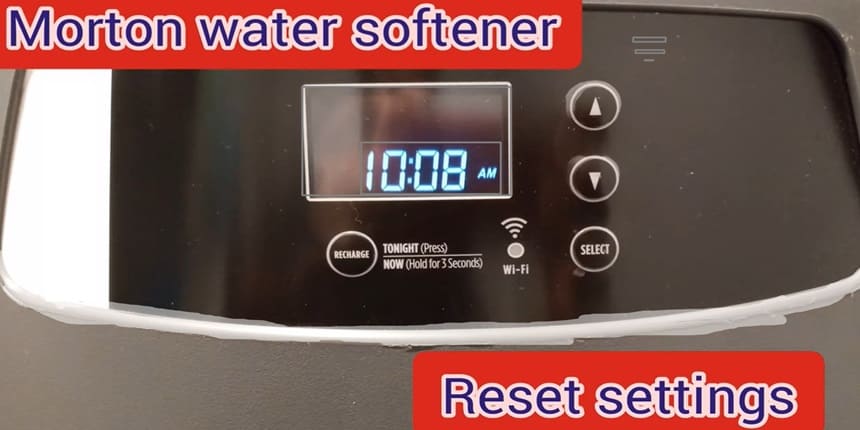
This system removes hard minerals from water. It improves water quality for your home. Knowing how it works helps you reset it correctly.
Resetting may be needed after power outages or system errors. A simple reset can fix many small problems. Learning about key parts and common issues makes the process easier.
Key Parts Morton Water Softener
The Morton water softener has several main parts.
The control valve manages water flow and regeneration cycles.
The resin tank holds beads that trap hard minerals.
The brine tank stores salt used to clean the resin beads.
A timer or digital control panel controls the system’s schedule.
Each part works together to soften water. The control valve is the system’s brain. The resin tank does the actual softening. The brine tank refreshes the resin beads with saltwater.
Common Morton Water Softener Problems
Some problems happen often with Morton water softeners.
The system may stop softening water. This often means the resin beads need cleaning.
Another issue is the timer or control panel not working.
Power loss can cause the system to lose settings.
Low salt levels in the brine tank also affect performance.
These issues can cause hard water to return. Resetting the system often solves control and timer errors. Checking salt levels and cleaning the resin tank help too.
Signs You Need Reset Morton Water Softener
Knowing when to reset your Morton water softener helps keep it working well. Some signs clearly show a reset is needed. Watch for changes in water quality and machine alerts. Acting on these signs prevents bigger problems.
Resetting can restore soft water and fix minor errors. Check your system regularly to catch these signals early.
#1: Morton Water Softener Setting Hardness Changes
One clear sign is a change in water hardness.
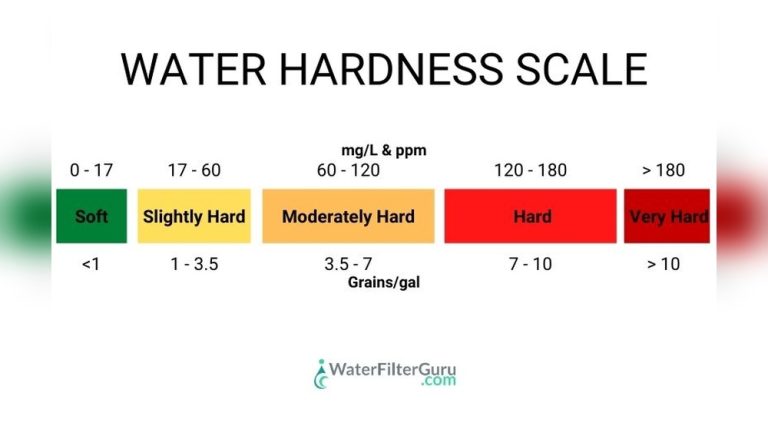
Hard water feels rough on skin and leaves spots on dishes. If water feels harder than usual, the softener may need a reset.
The system might not be removing minerals properly. Resetting can help restore soft water quickly.
#2: Error Indicators
Your Morton softener has error lights or messages. These alerts show system problems. Common water softener error code include salt bridge issues or valve problems.
Ignoring these signs can cause damage. A reset often clears these errors and restarts normal function.
Preparation Before Reset
Proper preparation makes the reset process smooth and safe. It also helps avoid mistakes that can cause damage. Follow these steps before starting the reset.
Gathering Tools:
Collect all necessary tools before you begin. You will need,
- screwdriver
- small bucket
- soft cloth
Keep a user manual nearby for reference. Having tools ready saves time and prevents interruptions.
Safety Precautions:
Turn off the power to the water softener to avoid electric shock. Shut off the water supply to prevent leaks.
Wear gloves to protect your hands during the reset. Work in a dry area to avoid slips and falls.
How to Reset Morton Water Softener – Step By Step Process
Resetting your Morton water softener is simple with clear steps. This process helps fix common issues and improves system performance. Follow the steps carefully for a smooth reset.
Step 1: Locate The Control Panel
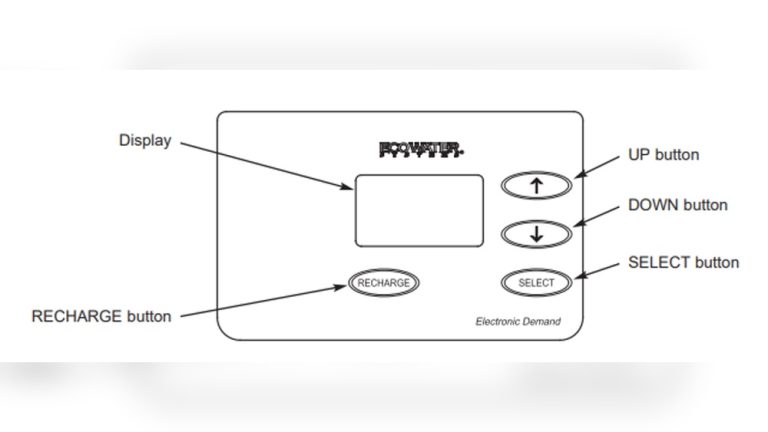
Find the control panel on your water softener. It is usually on the front or top of the unit.
The panel has buttons and a screen for settings.
Make sure the unit is plugged in and powered on.
Step 2: Initiate The Reset
Press and hold the reset button on the control panel. Hold it for about 5 seconds.
The screen will blink or show a reset message. Release the button once the reset starts.
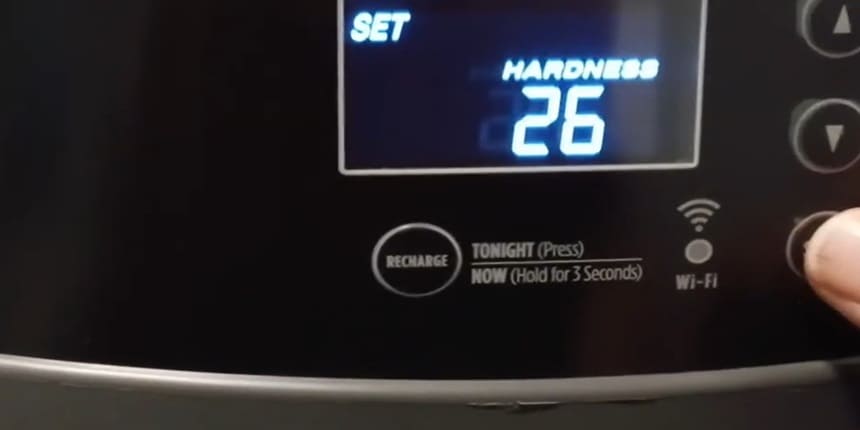
Step 3: Adjust Settings
Set the time and date on the control panel. Enter your water hardness level if needed. Follow the instructions on the screen carefully.
Save the settings before moving to the next step.
Step 4: Test The System
Run a manual regeneration cycle to check the reset. Listen for normal sounds during the cycle. Check if the water feels softer after the process. Repeat the reset if the problem remains.
morton water softener troubleshooting Reset Issues
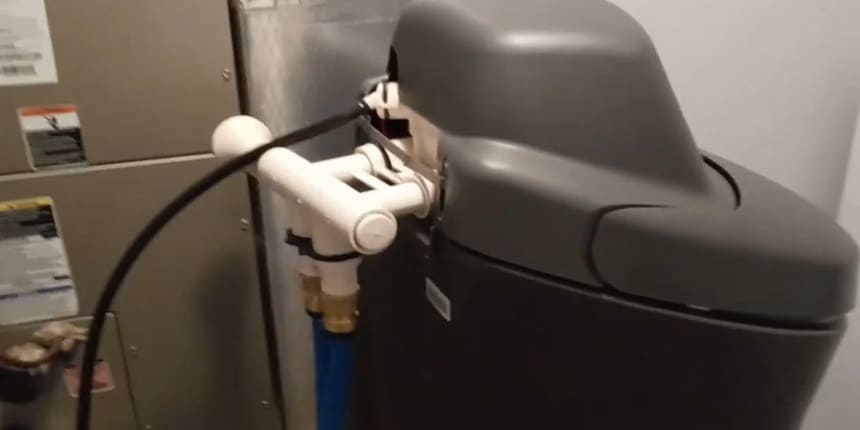
Resetting a Morton water softener usually works well. Sometimes, issues arise during the reset process. These problems can cause frustration and confusion.
Common Mistakes water softener not working properly
#1: One frequent error is not following the reset steps exactly. Skipping steps or doing them out of order can stop the reset from working.
#2: Another mistake is ignoring the softener’s power source. The unit must be plugged in and have steady power during reset.
#3: People often forget to close the bypass valve after resetting. Leaving it open stops water from softening properly.
#4: Using incorrect settings or wrong water hardness numbers can also cause issues. Always check your local water hardness level before resetting.
Tips For After Morton water softener Reset
After resetting your Morton water softener, proper maintenance is key. It keeps the system working well and extends its life. Follow simple steps to maintain your softener for best results.
Regular Cleaning:
Clean the brine tank every few months. Remove dirt and salt build-up.
Use a soft cloth and mild soap. Avoid harsh chemicals that can damage the tank. Rinse thoroughly to prevent soap residue.
Salt Refills:
Check salt levels monthly. Keep the salt above the water line.
Use high-quality salt made for water softeners. Avoid salt bridges or clumps. Break up any hardened salt carefully.
System Checks:
Look for leaks or unusual noises often. Test water hardness after each regeneration cycle. Ensure the control valve works smoothly. Reset the timer if needed.
How Do I Reset A Morton Water Softener?
To reset a Morton water softener, press and hold the reset button until the display blinks.
This clears previous settings and restarts the system. Always consult your model’s manual for specific instructions to avoid errors during reset.
When Should I Reset My Morton Water Softener?
Reset your Morton water softener if it malfunctions or after power outages.
Resetting helps restore normal operation and corrects errors. Regular resets are not necessary unless you notice issues like incorrect regeneration cycles or low salt alerts.
Can Resetting Fix My Morton Water Softener Issues?
Yes, resetting can resolve minor glitches like incorrect timing or display errors.
It refreshes the system’s settings and can improve performance. For persistent problems, check salt levels and water pressure or contact customer support.
Is It Safe To Reset Morton Water Softener Myself?
Yes, resetting a Morton water softener is safe if you follow the user manual.
Avoid pressing buttons randomly and ensure the unit is properly plugged in. If unsure, consult a professional to prevent damage.
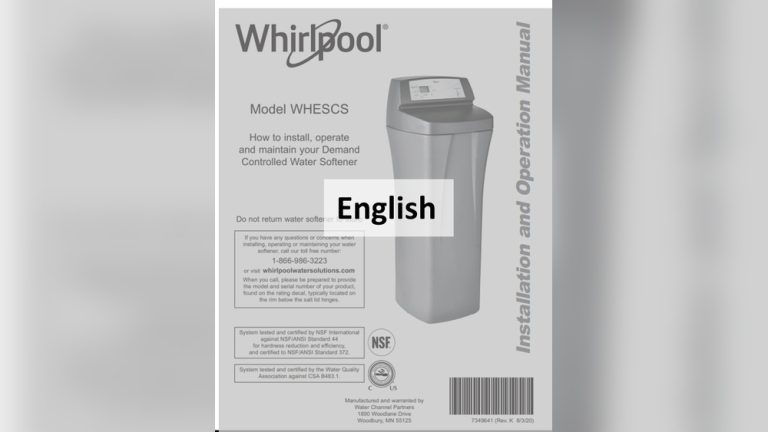
[…] water softener resetting often restores normal salt use. […]